Learn it once. Actually remember it.
Make your own flashcards, put a picture on any of them, and take a real test when you want to know whether it stuck. Free, and it installs like an app.
Sign up with Google or with a username. No card, no trial.
Three steps
That is the whole app.
Make a deck
Type the cards yourself, or describe what you are studying and have the chatbot you already use write them. Add a picture to any card for the things you have to recognize rather than recite.
Study it
Flip through at your own pace. Get one wrong and it goes to the back of the line and comes back in the same session, until you know it.
Test yourself
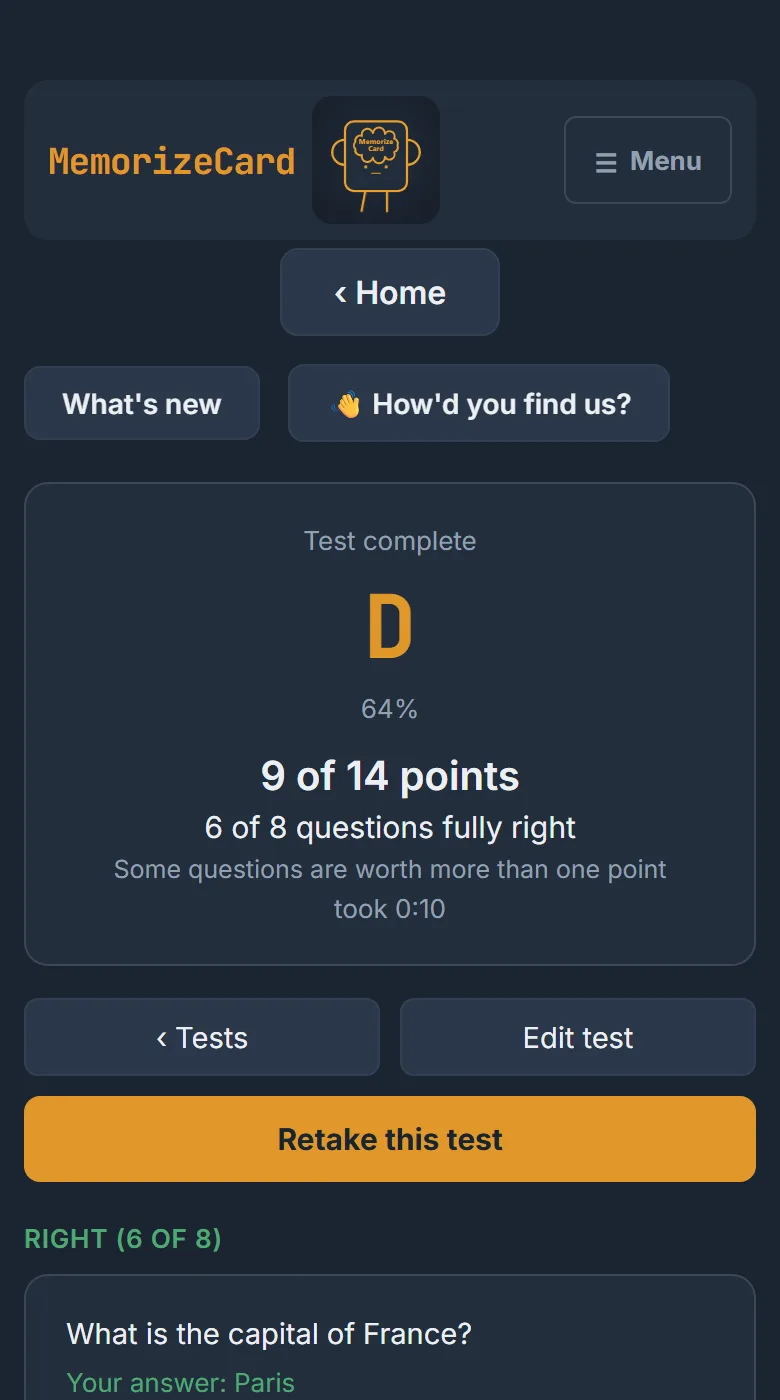
Turn a deck into a timed test with eight question types. You get a grade and a list of exactly what to go back over.
See it
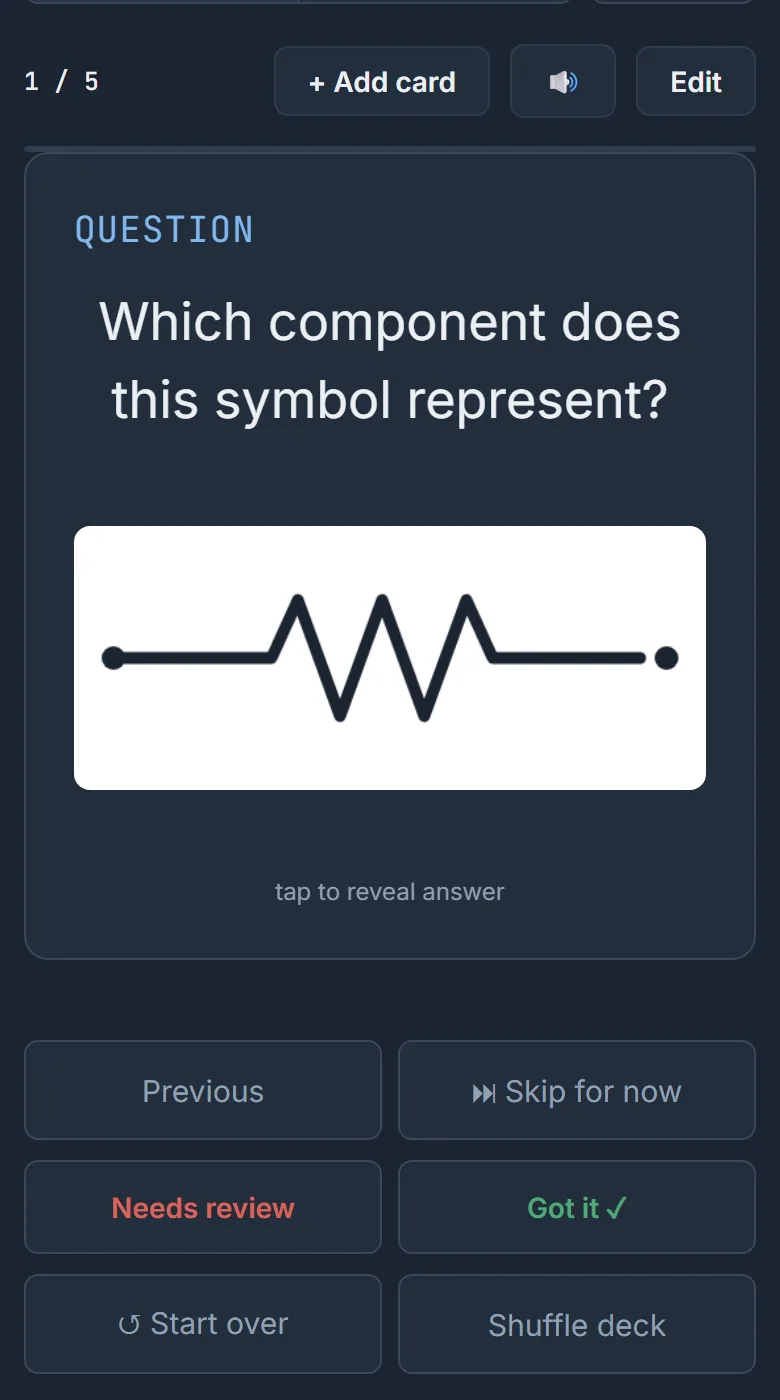
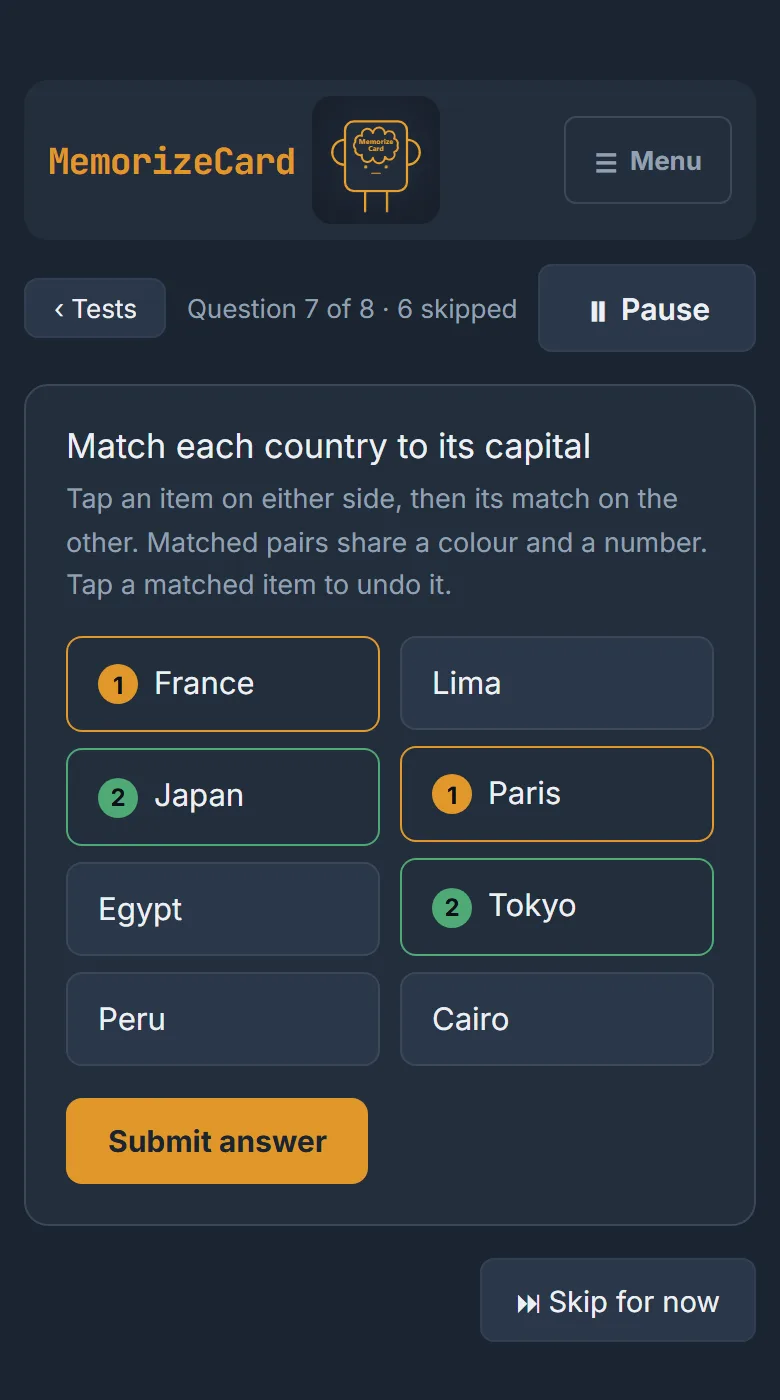
Real screens from the app, on a phone.
What else it does
The parts that matter once you have been using it a while.
Pictures on your cards
Any card or test question can carry an image, and it shows under the question while you study. Drag one in, browse for it, or paste the address of one you found. Useful for diagrams, symbols, plants, parts, paintings, a port number on a topology.
Write cards with your AI chatbot
AI-assisted, using whichever chatbot you like; there is no AI built in. Fill in the topic and how many you want, copy the prompt it builds, paste it into your chatbot, and paste the result straight back in. It tolerates the extra sentence the AI usually adds.
Eight question types
Written answer, multiple choice, true or false, multi-select, fill in the blank, numeric with a tolerance, matching and ordering. Matching and ordering give partial credit, so being close counts for something. Those are for tests; decks keep it simpler with four card types: question and answer, multiple choice, true or false, and statements.
Share a deck
Send someone a link or an eight digit code. They can follow yours, which stays in sync with your changes, or take their own copy to edit. Your name stays off it unless you turn it on.
Install it like an app
Add it to your home screen or desktop and it runs in its own window with its own icon, like anything you would install from a store, without going through a store.
Mini games
Study with arcade games powered by your own decks. Shoot down waves in Card Blaster or break walls in Card Breaker, and every card you answer right powers you up. Starter decks are there if you have none yet.
Your account, your way
Sign in with Google, or make an account with just a username. Username accounts get a recovery code, and you can turn on two-step sign-in so a code from your phone is needed too.
What it costs
Nothing. Decks, cards, tests and pictures are all free. Decks and tests each get 50 images, which is more than almost anyone uses. There is no paid tier and nothing is hidden behind one. No ads, and your data is never sold.